Create a triangular frame
Here is the instructions on how to create a triangle for quotation, sales AND production purposes.
Triangles are available from these material:
- Shopfront
- Rolling Windows
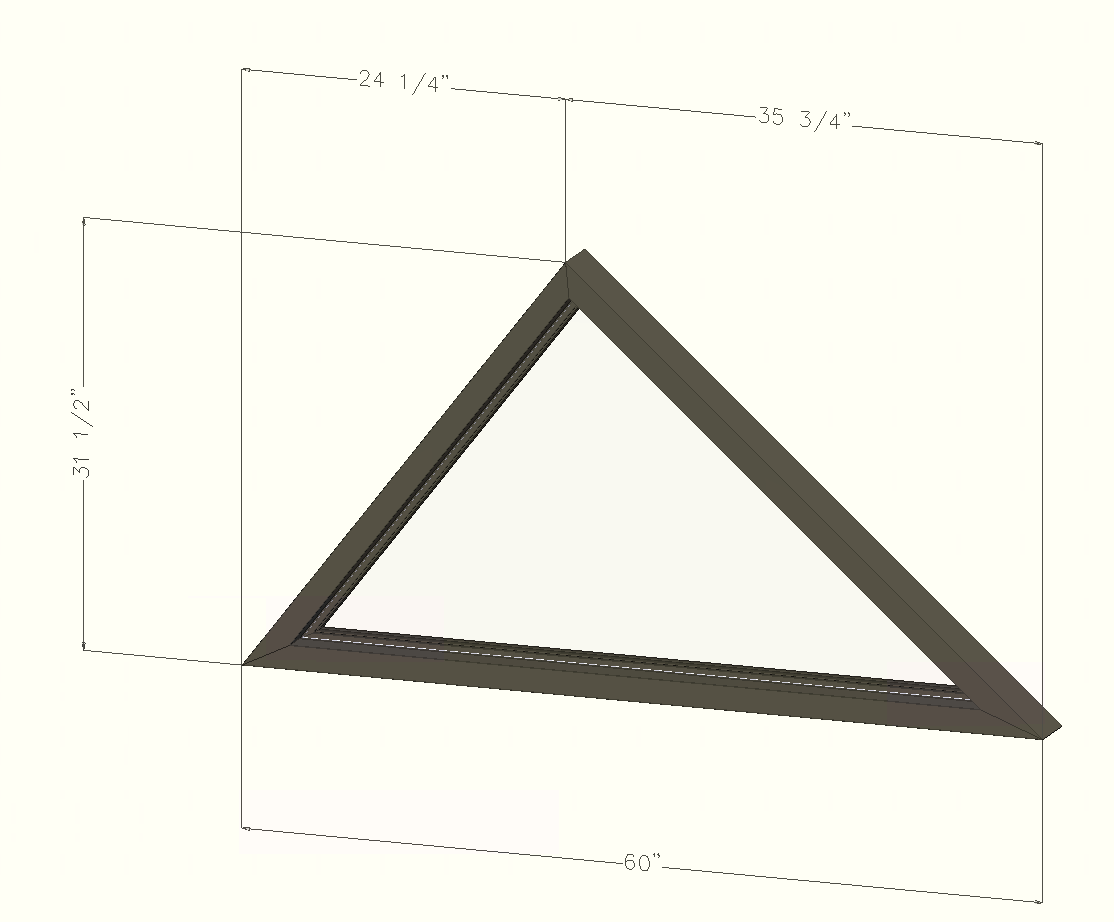
1. Create a new triangle using the right template
- For Shopfront - ALU-SHOPFR-008
- For Rolling - ALU-ROLLIN-008
2. Input the dimensions
For this template, the dimensions have to be inputed in METRIC. (Metric dimension = Imperial dimension x 25.4)
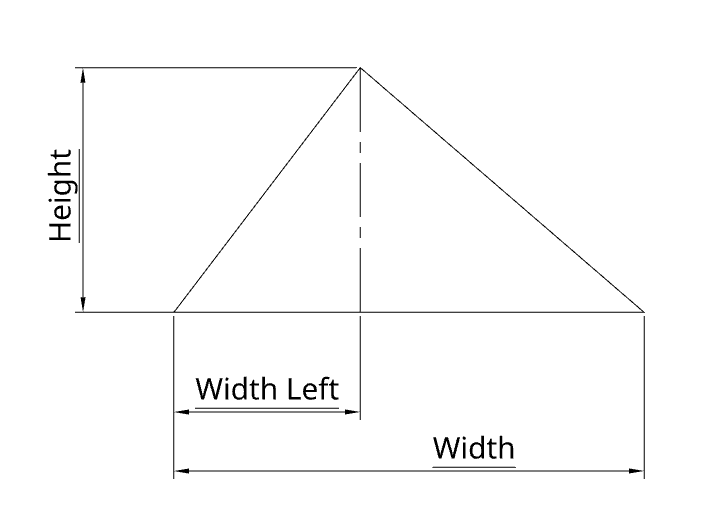
- Height - The total height
- Width - The total width
- Width Left (Width Klaes Le) - The horizontal distance between the left corner and the top of the triangle. It has to be the left distance
3. (Optional) Add colonial seperators
Only for the rolling windows right now
- Open the Bearing Structure tab
- Select the triangle frame
- Click on Edit distribution of the Area

- Add vertical and horizontal mullions and transoms
4. Apply the modifications and close the window
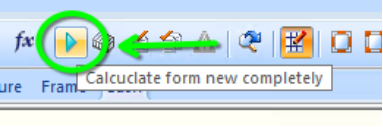
- Once you are done you can apply the modifications by clicking on the green arrow button of by pressing F5 on your keyboard.
- Close the window to go back to the project view